- AI for Ecommerce and Amazon Sellers
- Posts
- Guide: Amazon Search Query Performance Analysis with Claude Cowork
Guide: Amazon Search Query Performance Analysis with Claude Cowork
A full guide with a Claude Skill

Jo Lambadjieva
April 14, 2026
In partnership with


From Our Sponsor:
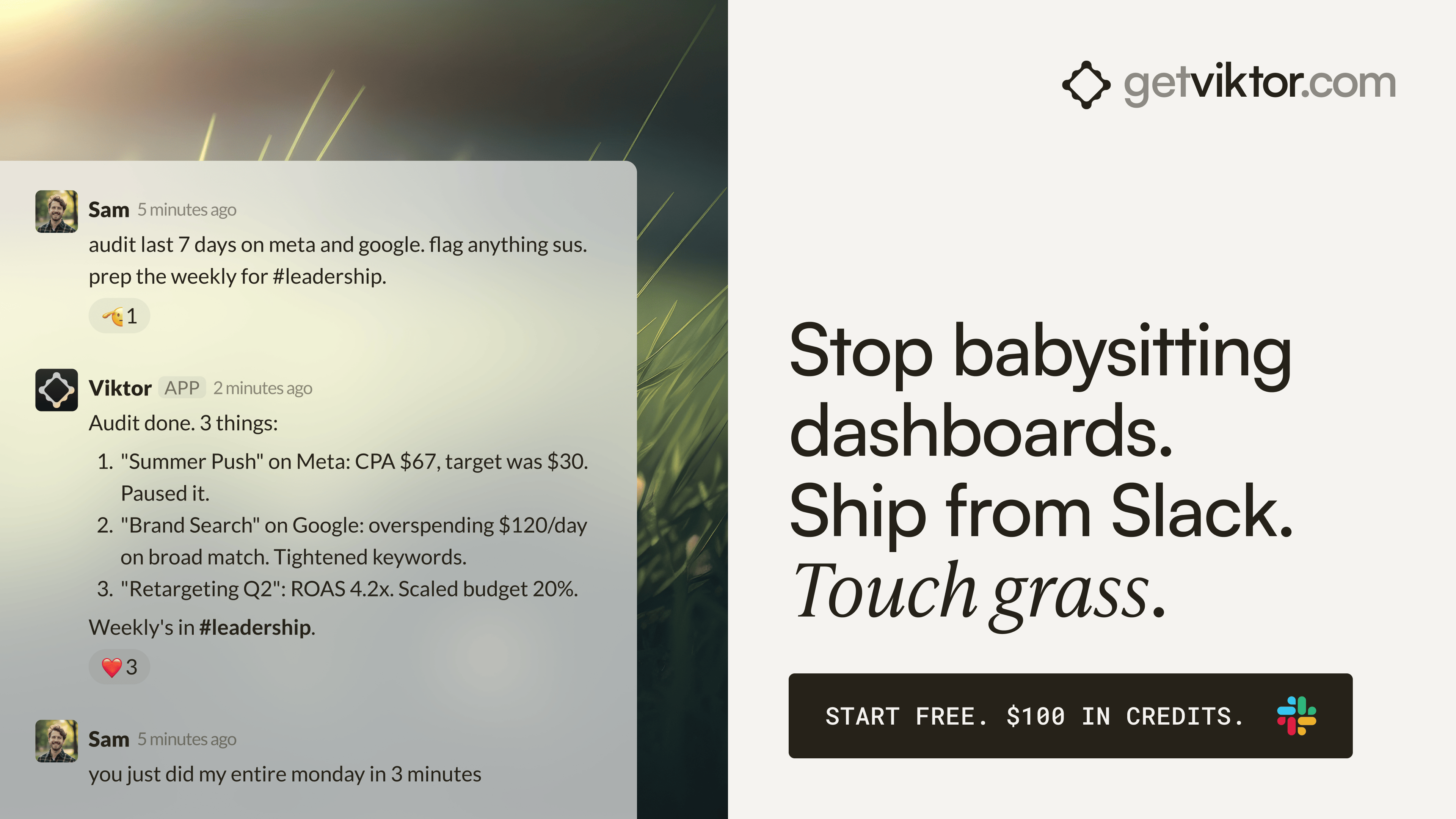
Stop babysitting dashboards. Ship from Slack. Touch grass.
700+ teams have Viktor reading their Google Ads every morning.
Your media team opens Slack at 8am. There's a cross-platform brief in #growth: Google Ads spend vs. ROAS, Meta CPA by campaign, Stripe revenue by channel. Viktor posted it at 6am. Nobody asked for it.
Last week, one team's Viktor caught a spend spike at 2am on a broad match campaign and flagged it in Slack: "CPA up 340%. Recommend pausing and shifting budget to the top two performers." That would have burned $3K by morning. The media buyer woke up to a problem already handled.
Your strategist reviews spend trends. Your account manager checks revenue attribution. Same Slack channel, same colleague, before anyone's first coffee.
Google Ads, Meta, Stripe. One message. No Looker, no Data Studio. Anomaly detection runs around the clock. Cross-platform reporting runs on autopilot.
5,700+ teams. SOC 2 certified. Your data never trains models.
"Viktor is now an integral team member, and after weeks of use we still feel we haven't uncovered the full potential." — Patrick O'Doherty, Director, Yarra Web
Guide: Amazon Search Query Performance Analysis with Claude Cowork

Amazon's Search Query Performance report is one of the most powerful datasets available to brand owners — but it's dense, technical, and easy to misread. The report tracks how shoppers find your products through search, covering every stage from impression through to purchase. Most sellers glance at it and move on. With the right setup, you can run a full funnel diagnostic, competitive intelligence check, and keyword strategy refresh in a single Claude session.
This guide walks you through using Claude Cowork with a custom skill to turn your raw SQP CSV into a structured, actionable analysis — covering brand health, funnel drop-off diagnosis, share gap opportunities, and keyword strategy buckets.
What You'll Need
Access to Claude Cowork (Claude's desktop automation tool)
Your Amazon SQP report downloaded as a CSV from Brand Analytics in Seller Central
A dedicated folder on your computer where you'll save SQP reports
The SQP Deep Analysis skill installed in Claude (download link below)
Your brand name and any key competitor brand names you want to track
What the SQP Deep Analysis Skill Does
Before you install it, here's what this skill actually gives you. The SQP Deep Analysis skill is a structured analytical framework that tells Claude exactly how to work through your data. Without it, Claude will give you a generic read of the numbers. With it, Claude runs a six-layer analysis engine designed specifically for Amazon search data.
The skill covers five analytical layers and one output layer:
Branded vs Unbranded Segmentation. Every query in your report gets classified as branded, competitor, or unbranded. Claude then produces a brand health assessment — flagging whether you're over-reliant on existing brand awareness, whether competitors are successfully bidding on your brand terms, and whether your unbranded visibility is growing or eroding.
ICAP Funnel Diagnostic. For each of your top unbranded queries, Claude walks through the impression-to-click-to-cart-to-purchase funnel and identifies exactly where shoppers are dropping off. It calculates derived metrics like CTR Index, CVR Index, and Funnel Efficiency, then assigns a diagnosis category and priority level to each query.
Share Gap Analysis. This layer compares your brand's share at each funnel stage against what the market is doing — identifying where you're punching above your weight and where competitors are outperforming you despite similar visibility.
Keyword Strategy Bucketing. Every keyword gets sorted into one of four action buckets: Defend (protect strong performers), Growth (invest and scale), Kill (stop wasting spend), or Monitor (watch and wait). Each bucket comes with specific PPC and SEO actions.
Strategic Summary Report. The final output is a client-ready summary with an executive overview, a performance scorecard, and a prioritized top-five action list — written for non-technical readers, not just analysts.
The skill also keeps Claude honest about the quirks of SQP data: the 24-hour attribution window, the fact that SQP purchase totals will never match your Seller Central sales report (by design), and the ceiling on impression share per ASIN. These context rules prevent the most common misinterpretations.
To download the skill and install it into Claude, click here.
Step 1: Set Up Your SQP Folder
Create a dedicated folder on your computer for your SQP reports — for example, a folder called SQP Reports on your desktop or inside your Amazon brand folder. This keeps things clean and makes Cowork access straightforward.
Download your Search Query Performance report from Seller Central by navigating to Brand Analytics, selecting Search Query Performance, choosing your ASIN or brand view, setting your date range, and exporting as CSV. Save the file directly into your SQP folder.
One thing to check before moving on: Amazon only displays 21 of 33 available columns by default. Before exporting, make sure you've enabled all columns in the report view. If key columns like Price Median or Shipping Speed are missing, the skill will flag it — but it's easier to catch this now.
Step 2: Connect Cowork to Your SQP Folder
Open Claude Cowork and grant it access to your SQP folder only. You do not need to give Cowork access to your entire computer — folder-level access is both sufficient and recommended.
To do this, open Cowork's file access settings, select Add Folder, and navigate to your SQP Reports folder. Confirm access. Cowork will now be able to read any CSV files you save there.
Keeping this to a single folder is intentional. It limits what Claude can see to only the data you want analyzed, and makes it easy to add new monthly reports simply by saving them to the same location.
Step 3: Install the SQP Deep Analysis Skill
If you haven't already, download the skill file from the link above and install it into Claude following the standard skill installation steps. Once the skill is active, Claude will automatically recognize when you're working with SQP data and apply the full analytical framework.
You only need to install the skill once. It will be available for all future SQP sessions.
Step 4: Run the Analysis
Open a new Claude Cowork session and use the following prompt to kick things off:
I've saved my Amazon Search Query Performance report to my SQP Reports folder. My brand name is [YOUR BRAND NAME]. Please run a full SQP deep analysis. My main competitors are [COMPETITOR 1], [COMPETITOR 2].
Claude will locate the CSV, verify the data is complete, calculate any derived metrics it needs, and then work through each analytical layer in sequence. For a typical SQP export with several hundred to a few thousand queries, expect the full analysis to take a few minutes.
If you want a faster read first, you can ask for a top-level analysis covering just the brand health summary and top ten funnel diagnostics, then request the full report once you've seen the headlines.
Step 5: Review and Act on the Output
The analysis output is structured in sections you can work through in order or jump between depending on what you need most urgently.
Start with the Strategic Summary if you're preparing for a team review or want the prioritized action list first. Move into the ICAP Funnel Diagnostic if you want to understand why specific queries aren't converting. Use the Share Gap Analysis to spot competitive threats and growth opportunities. Pull the Keyword Strategy Buckets directly into your PPC planning.
Every recommendation in the output is tied to a specific metric and written to be actionable within seven days — not vague directional guidance.
Do You Love The AI For Ecommerce Sellers Newsletter?
You can help us!
Spread the word to your colleagues or friends who you think would benefit from our weekly insights 🙂 Simply forward this issue.
In addition, we are open to sponsorships. We have more than 66,000 subscribers with 75% of our readers based in the US. To get our rate card and more info, email us at [email protected]
The Quick Read:
Anthropic has cut Claude Code subscription access for OpenClaw and other third party tools, pushing users to pay as they go and sharpening the Claude vs OpenAI battle for developer mindshare.
“Direct traffic” may be your new blind spot as AI tools shape buyer decisions before the click, leaving marketers with flattering dashboards and far less visibility into what actually drives demand.
Anthropic just dropped 13 free courses and certificates covering Claude, agents, MCP, APIs, Bedrock, Vertex, and AI fluency, a tidy fast track for anyone leveling up in applied AI.
AI search is fuelling a flood of self-serving “best of” listicles and shady SEO tactics, turning search into a noisy battleground where brands race to influence bots before Google catches up.
Amazon’s new Seller Central canvas turns Seller Assistant into a real time advisor, giving US and UK merchants interactive dashboards, what if planning, and richer AI led performance analysis at no extra cost.
Anthropic says Claude Mythos Preview can autonomously find and exploit serious zero days across major systems, a startling leap that has triggered a new defensive cybersecurity effort called Project Glasswing.
Gemini Pro can now turn tricky questions into interactive visuals inside chat, letting users explore concepts through adjustable data, 3D models, and live visual explanations.
The Tools List:
📸 Product Descriptions GPT - Craft engaging e-commerce product listings (link)
🧠 Sheet Savvy AI - Use AI to save hours on repetitive tasks in Google Sheets.
✒️ Scribe by Appblit - Readable transcripts with automated sections and headings.
🌄 Pikzels AI - Create AI-generated thumbnails effortlessly (link)
⚙️ Optimove: Data consolidation platform offering a Customer Data Platform (CDP) for unified, actionable customer insights across various sources.
🤖 Reducto - Convert complex docs into LLM ingestible chunks.
About The Writer:

Jo Lambadjieva is an entrepreneur and AI expert in the e-commerce industry. She is the founder and CEO of Amazing Wave, an agency specializing in AI-driven solutions for e-commerce businesses. With over 13 years of experience in digital marketing, agency work, and e-commerce, Joanna has established herself as a thought leader in integrating AI technologies for business growth.
For Team and Agency AI training book an intro call here.